Google Cloud Marketplace Binding for CloudPilot AI
This guide shows you how to subscribe to CloudPilot AI through Google Cloud Marketplace and bind the purchase to your CloudPilot AI organization.
Prerequisites
Before you begin, confirm that:
- Google Cloud access – You can open Google Cloud Marketplace and subscribe with the billing account that should own the purchase.
- CloudPilot AI account – You can sign in to the
CloudPilot AIconsole, or you are ready to create a new account during onboarding.
Step 1: Open the CloudPilot AI product in Google Cloud Marketplace
- Sign in to your Google Cloud account.
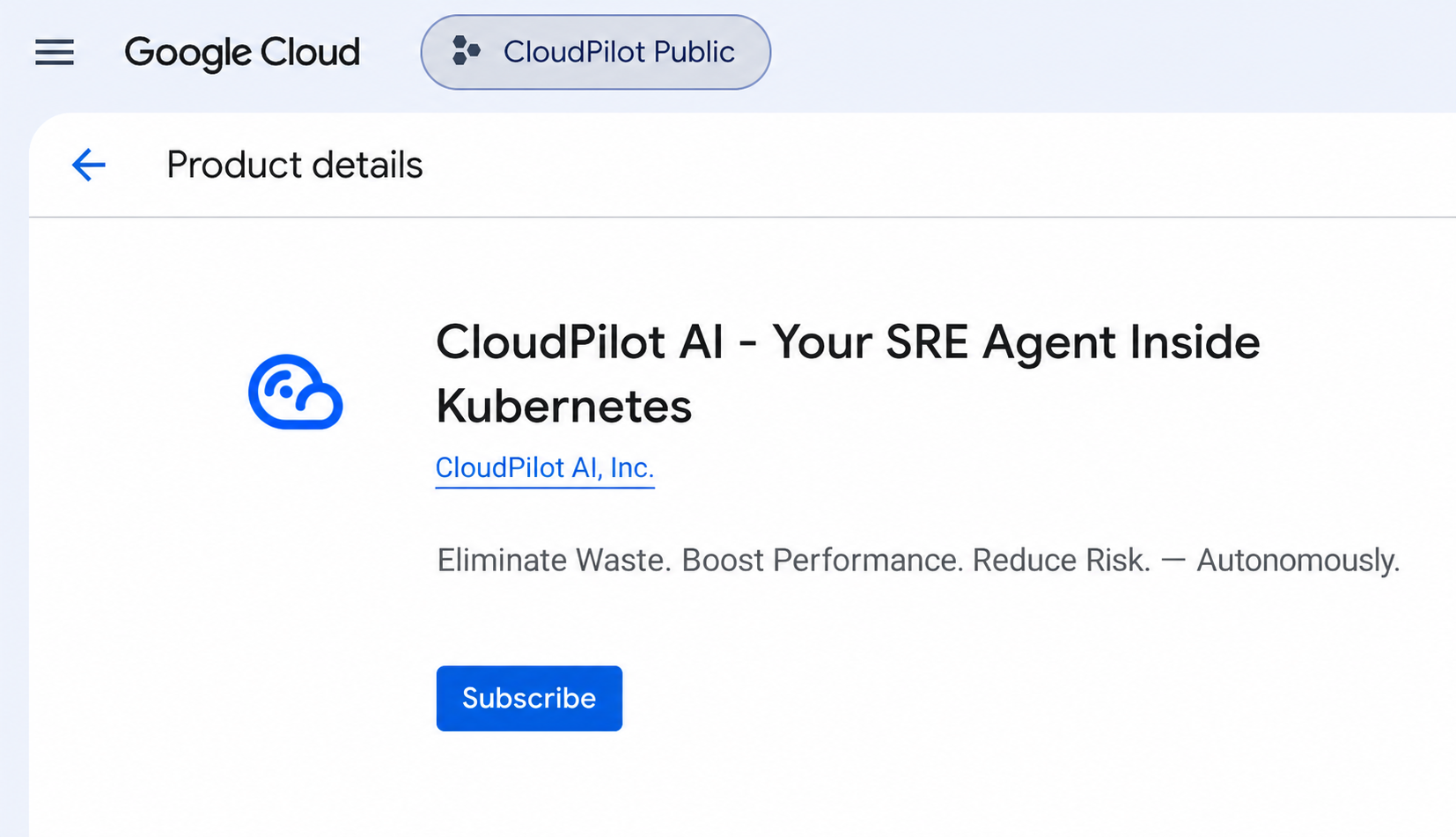
- In Google Cloud Marketplace, search for CloudPilot AI and open its product details page.
Step 2: Review the terms and subscribe
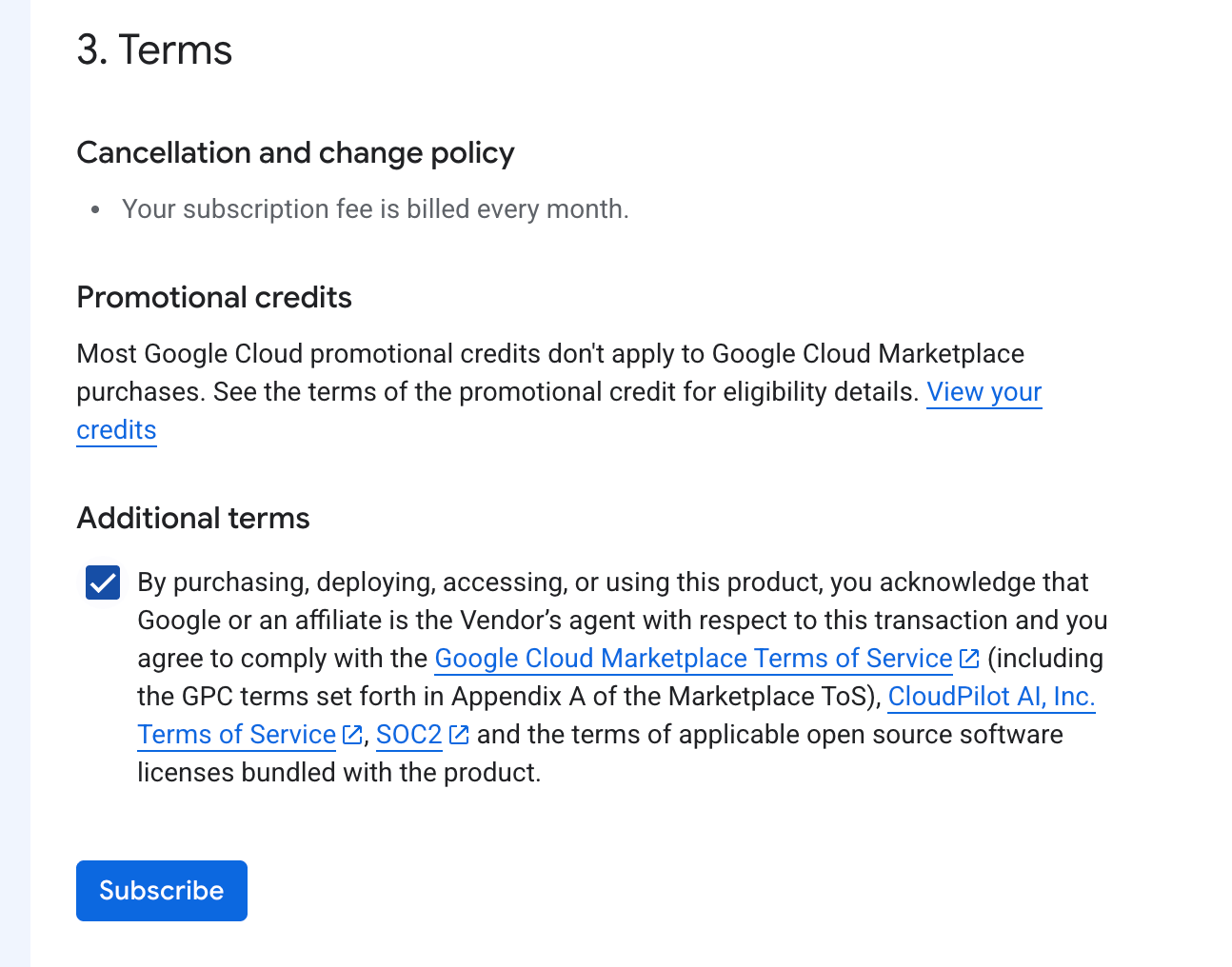
- Read the Marketplace terms on the subscription flow.
- Confirm the required acknowledgements.
- Choose Subscribe to complete the purchase.
Step 3: Return to the product page after sending the order request
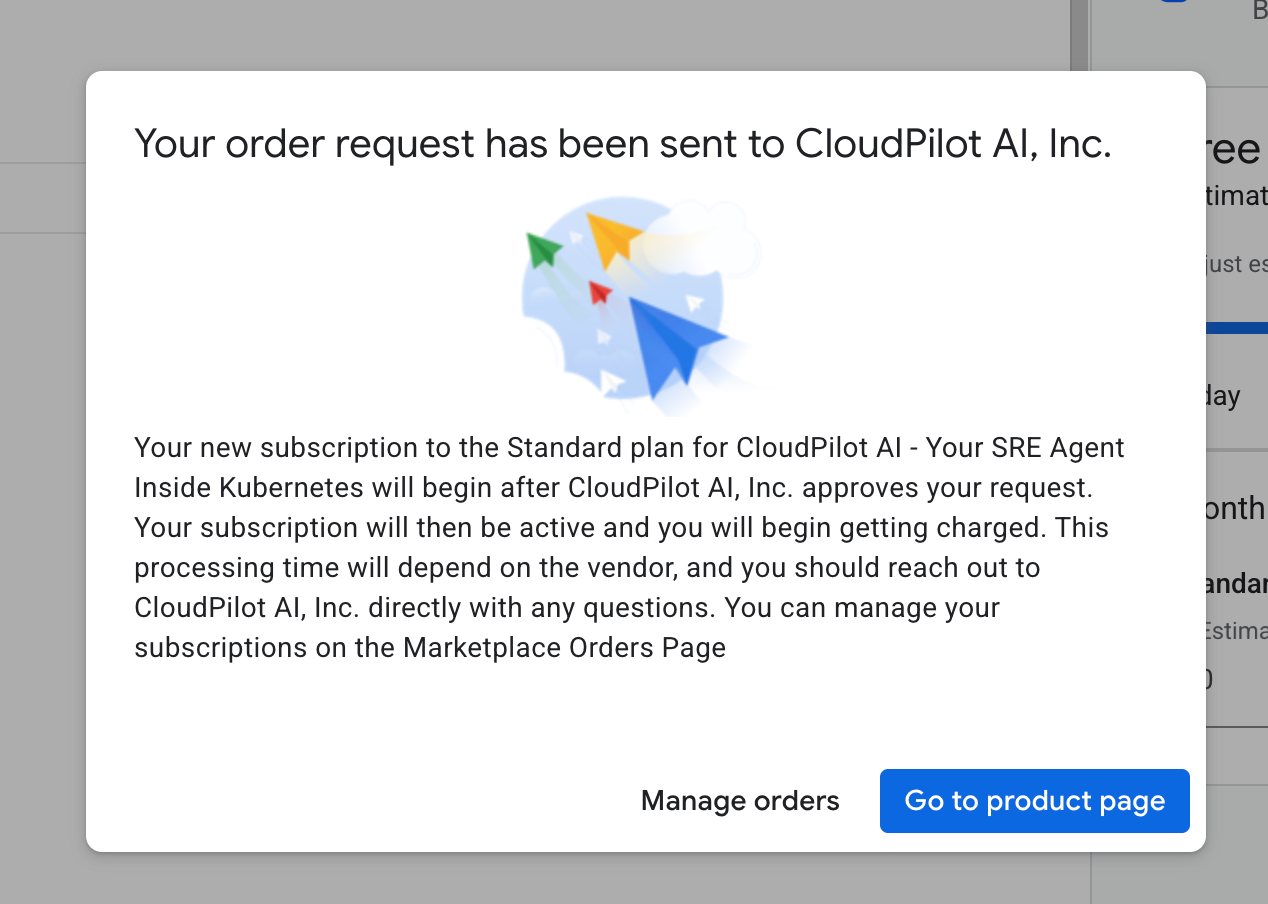
- After you submit the order, Google Cloud Marketplace shows a confirmation dialog that the order request was sent to
CloudPilot AI. - Choose the blue Go to product page button to return to the product details page.
- Continue with the next steps from the product page.
After you complete the binding flow in CloudPilot AI, we automatically
approve the Google Cloud Marketplace subscription.
Step 4: Open the provider management flow
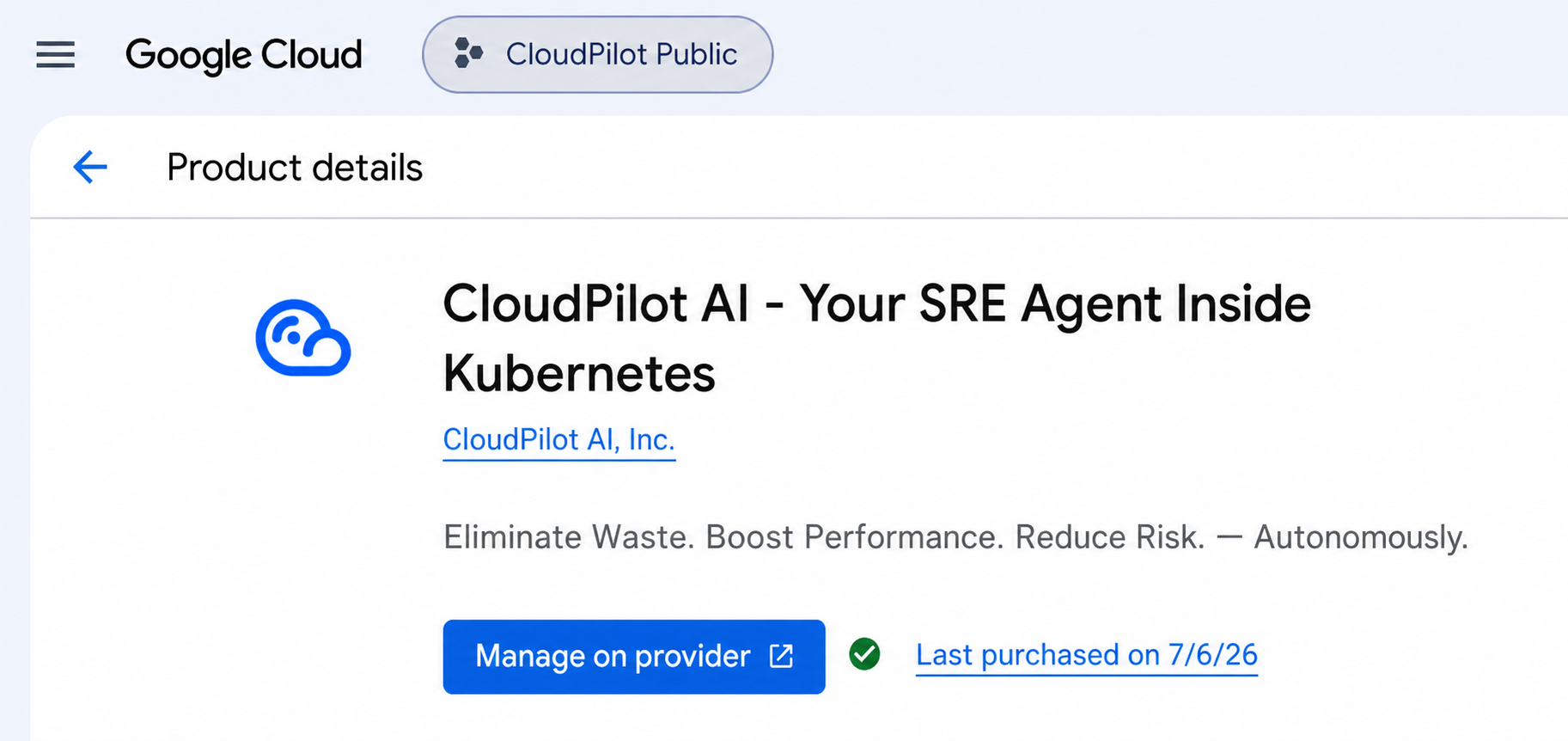
- After the subscription is approved, return to the product details page or refresh it.
- Confirm that the page now shows Manage on provider and the latest purchase date.
- Choose Manage on provider to continue to
CloudPilot AI.
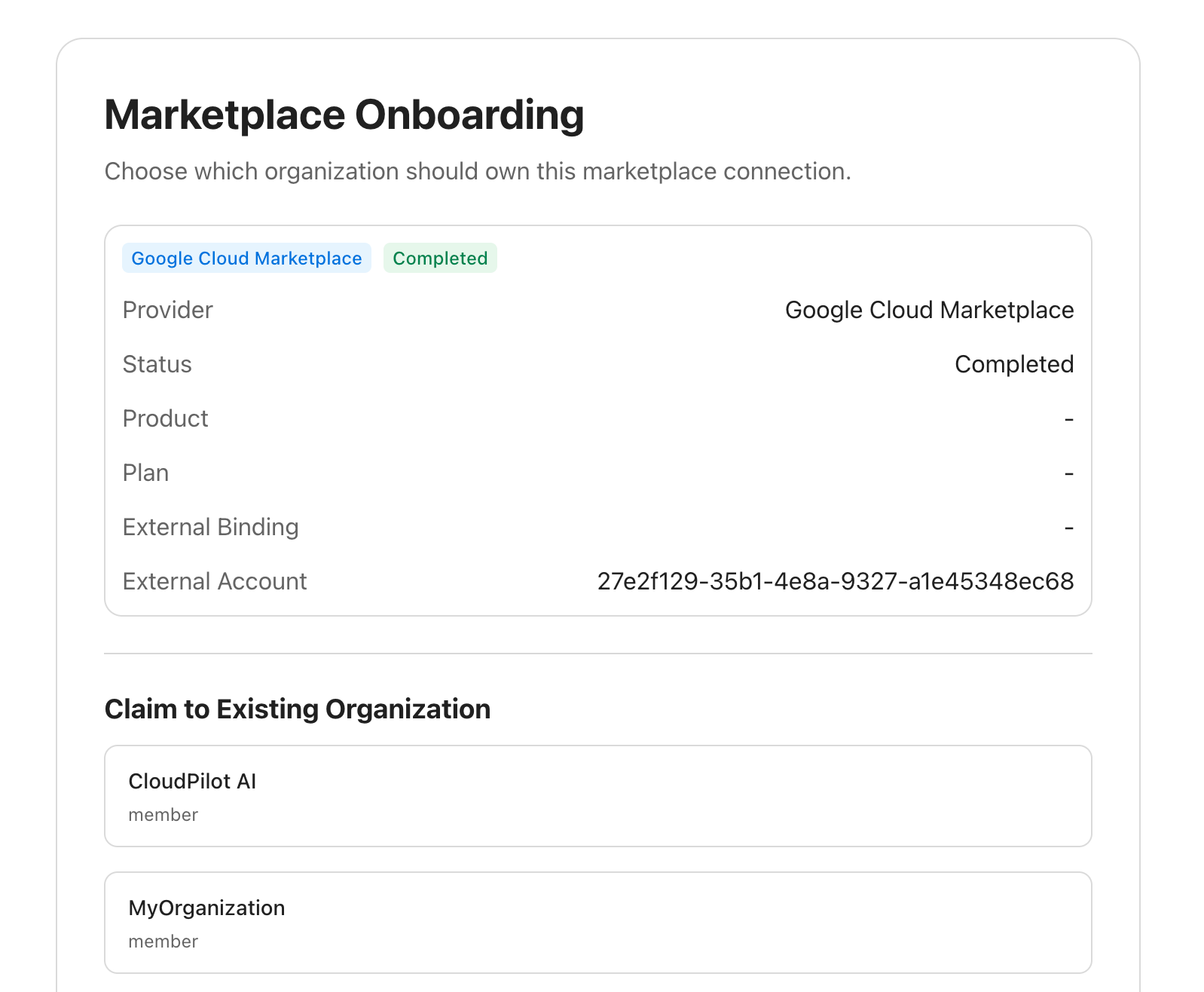
Step 5: Bind the purchase to your organization
- In the
CloudPilot AIonboarding page, review the marketplace connection details. - Under Claim to Existing Organization, choose which organization should own this marketplace connection.
- Complete the remaining prompt in
CloudPilot AIto finish the binding.
Google Cloud promotional credits typically do not apply to Google Cloud Marketplace purchases. Review the purchase terms in your Google Cloud environment before subscribing.
Last updated on